Assistive technologyScreen readersVoiceOver Screen ReaderVoiceOver Screen ReadermacOS VoiceOver on a Windows PC
By: Apple
Website: apple.com/accessibility/features/?vision
Pricing: free
Bug tracker: developer.apple.com/feedback-assistant/
macOS VoiceOver on a Windows PC
Related resources:
- Overview
- Testing
- macOS VoiceOver on a Windows PC (current)
- iOS VoiceOver without an iPhone
VoiceOver requires a Mac, but there are some good reasons why you might want to use VoiceOver from a Windows or Linux PC:
- Accessibility testing - VoiceOver is the only screen reader available for macOS, and it’s necessary to test with it to ensure compatibility
- Considering switching to a Mac - maybe you’re currently using NVDA but are considering a switch
Luckily, it’s possible to use VoiceOver without a Mac using a few techniques.
Remote Testing With Assistiv Labs
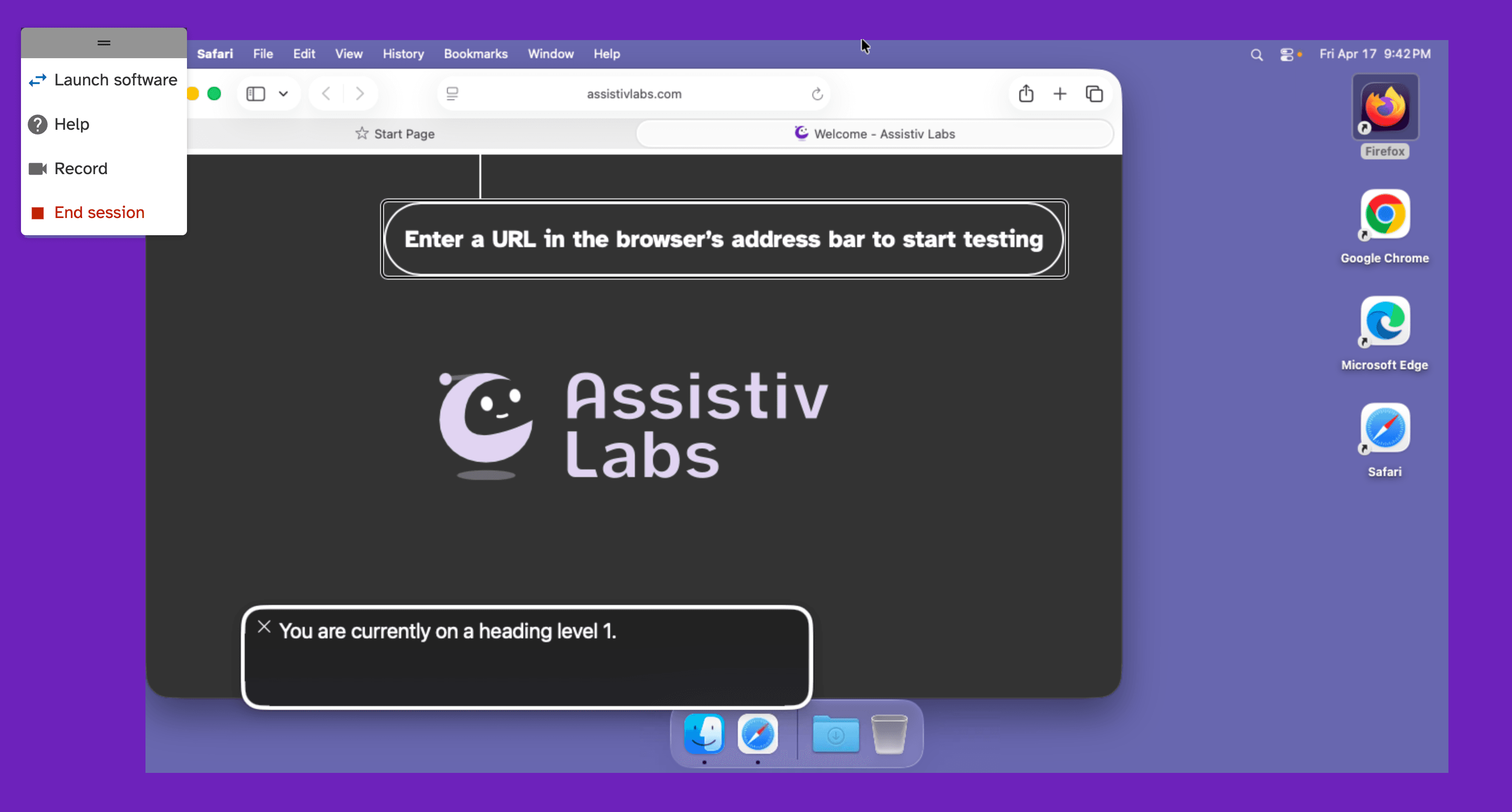
Assistiv Labs is an online service that allows you to access a real copy of VoiceOver running on macOS remotely, through any modern web browser, like Chrome or Edge.
- All keyboard shortcuts are remapped, enabling all VoiceOver commands
- Ephemeral sessions ensure you always start with a consistent, reproducible environment
- Seamlessly access localhost and VPN-only websites with AssistivTunnel
- High performance remote connection streams audio and video with low latency
- Easily scale access to your team or company
In less than a minute, you can start testing. Start a 14 day free trial and reach out to let us know you’d like to add VoiceOver.
Virtual Machines
While macOS can run in a virtual machine, it can only do so on a Mac, so unfortunately this is not an option from a Windows PC.
“Hackintosh” projects exist as workarounds, but they may violate the macOS EULA and have many bugs and limitations — macOS is built to work on genuine Apple hardware, anywhere else is an uphill battle.
Cloud Hosting
If you’re thinking of buying a Mac and want to try VoiceOver as your daily driver, cloud providers like MacStadium and Scaleway offer fairly affordable Mac Mini rentals. AWS does too, but at a much higher price point.
The Mac Mini can be remotely accessed using a VNC client for Windows, but note that audio does not work out of the box.